Auto camera discovery
Scan the local network and find supported Nikon cameras automatically.
Remote shooting and photo management for Nikon cameras. Use iPhone or iPad for Live View, capture, gallery, downloads, and location sync.
TestFlight enrollment has ended. Zensō is now available on the App Store as a one-time purchase — no subscription, and everyone gets a 5-day free trial.
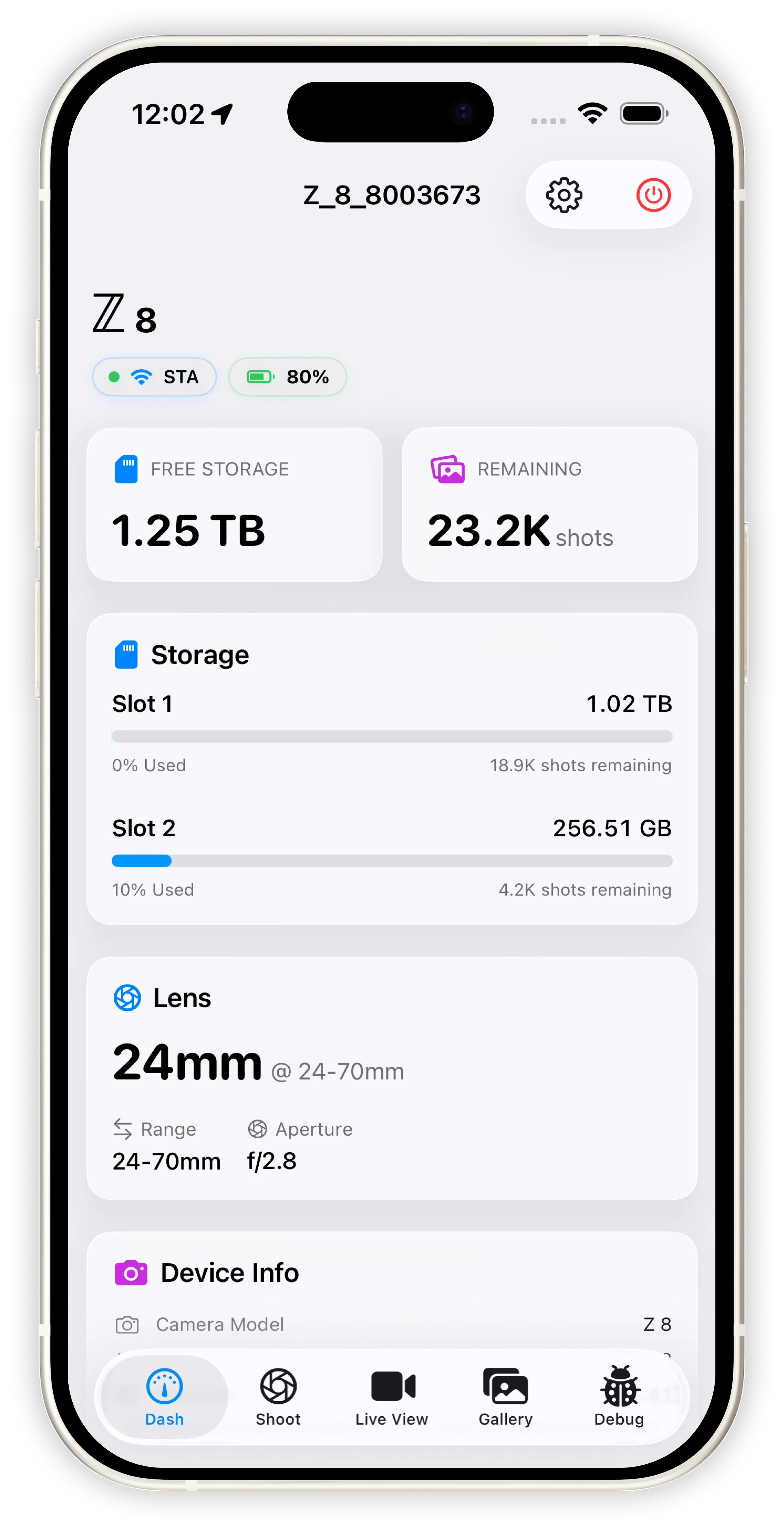
Five areas shape the remote shooting workflow.
Find and connect to Nikon cameras over local Wi-Fi, with manual fallback and cross-device support.
Scan the local network and find supported Nikon cameras automatically.
Enter a camera address directly for custom or studio network setups.
Use the same remote workflow across iOS and Mac Catalyst.
Control capture and camera settings without touching the camera body.
Trigger the shutter and adjust key capture settings from the app.
Switch and manage shooting menu banks and Picture Control settings.
Use continuous shooting modes for action or sequence work.
Frame shots and judge exposure on a larger, brighter screen.
See what the camera sees in real time for precise framing.
Check brightness distribution and waveform while composing.
Load and preview restore LUTs to judge final look before capture.
Review, receive, and manage images from the camera in one place.
Scroll through thumbnails and open original previews quickly.
New images captured on the camera can arrive automatically.
Select multiple files and choose how downloads are stored.
Sync GPS data and monitor camera state at a glance.
Write your device’s GPS location to the camera for complete geotags.
View connection state, battery level, and camera information.
Follow connection and transfer progress on the Lock Screen and Dynamic Island.
Zensō does not require an account or cloud sync. Connection data, logs, cache, and downloads stay on your device unless you export or share them.
If connection issues appear, open Settings > Logs, tap Share Diagnosis Package, and send the log file to [email protected].
Zensō is not an official Nikon app. Nikon is a trademark of its respective owner. Nikon-related software terms are covered in the License Agreement.